
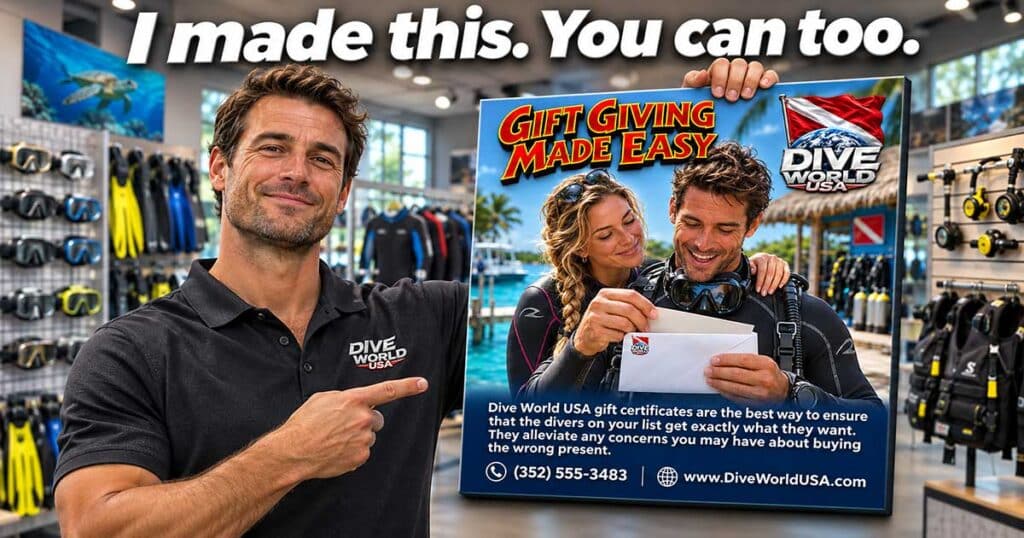
You’ve probably seen eye-catching graphics like the one above on other businesses’ websites and social media feeds — including your competitors’ — and wondered, “How can I create something like that?”
- Maybe you’ve already tried creating AI images and want better results.
- Or maybe you have no idea where to start.
Either way, getting started is easier than you might think.
- You don’t need Photoshop, Canva or experience with graphic design software.
- You don’t need natural artistic talent, either. It’s fine if you can’t draw a straight line.
- What you need is an idea and the ability to describe it clearly. AI can help turn those instructions into an image you can use to promote your business.
This series will show you how to get started and improve your results as you go. You’ll learn:
- How the image creation process works.
- What tools you need — starting with a computer and an internet connection.
- How templates and other shortcuts can save you time.
- How to write clearer, more effective prompts.
- How to spot and avoid common mistakes.
Read the articles in order, or jump straight to the topic that interests you:
- The basic process
- The tools you will need
- Using templates to speed the process
- Learning from experience
- What to add to the end of every prompt
- Avoiding common mistakes
Scott Evans brings the experience of being a successful dive retailer to his work representing manufacturers and training organizations. His customers value him as a resource whose knowledge and practical advice can help their businesses succeed and grow.