
Creating an image with AI starts with three simple steps:
- Imagine the image. Think about what you want to create. What should it show? What mood should it convey? What do you want people to notice first?
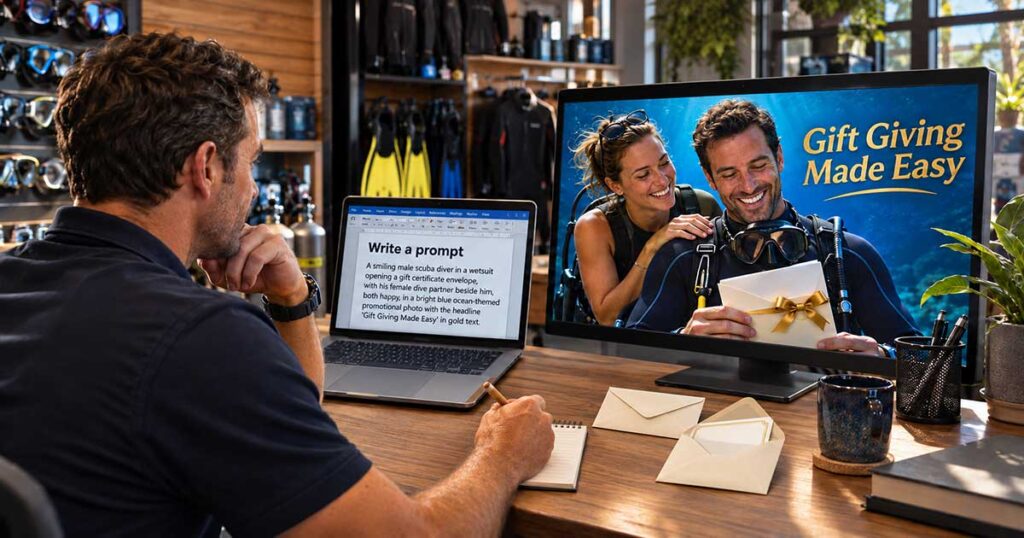
- Write a prompt. A prompt is a set of written instructions telling AI what you want it to create. You can draft it in any text editor or a program like Microsoft Word.
- Let AI go to work. Copy and paste your prompt into an AI image-generation tool, such as ChatGPT, Google Gemini or Grok, and watch your idea take shape.
A clear, detailed prompt can produce something close to what you imagined. Often, AI will surprise you with something even better.
What if the first result misses the mark? Tell AI what you want changed, or revise your original prompt and try again. It may take a few attempts, especially at first. With practice, you’ll get better at describing what you want and recognizing which details make a difference.
Later in this series, we’ll share a simple instruction you can add to your prompts to help AI better understand what you have in mind.
What goes into an effective prompt?
Along with describing the scene or subject, your prompt should specify any details that matter to the finished artwork. These may include:
- Size and shape: The intended dimensions and whether the image should be square, horizontal or vertical.
- Visual style: Photorealistic, cartoon, 3D animation or another look.
- Layout: Where the main subject, logo and text should appear.
- Headline and supporting copy: The exact wording you want included.
- Contact information: Your website address and phone number, if needed.
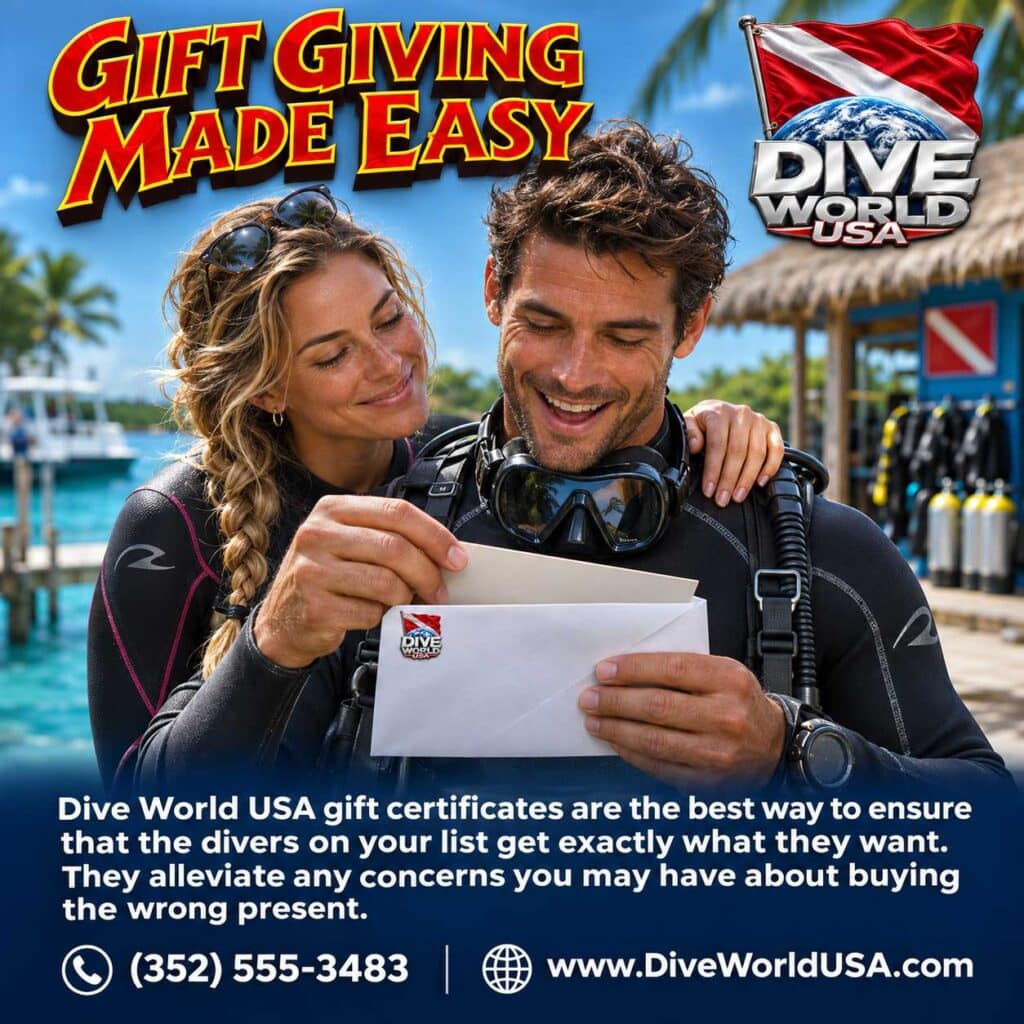
Here is an example of a well-written prompt and the image it produced.
Generate a 1:1, high-resolution, photorealistic image showing the following:
■ In the upper righthand corner of the image, place the supplied Dive World USA logo.
■ To the left of the logo, using a Jurassic Park style font, put the headline:
Gift Giving Made Easy
■ We see the upper half of a male diver in a wetsuit with a mask down around his neck.
■ The diver is looking down at an envelope he is holding in his left hand. His right hand is pulling a gift certificate from the envelope.He is clearly pleased with what he sees.
■ The back of the gift certificate isn’t visible because it is facing the diver; however, on the return address portion of the envelope we see a small Dive World USA logo.
■ Just behind and to the left of the diver is his female partner. She is resting an arm on his shoulder and is looking at the certificate as well. It is clear that she is the one who had given this to him.
■ In an open area on the image, place the following text:
Dive World USA gift certificates are the best way to ensure that the divers on your list get exactly what they want. They alleviate any concerns you may have about buying the wrong present.
■ At the bottom of the image, next to appropriate icons, put:
(352) 555-3483
www.DiveWorldUSA.com
Later in this series, we’ll provide templates you can use as a starting point for your own prompts. In the next article, we’ll cover the tools and other assets you’ll need to get started.
Scott Evans brings the experience of being a successful dive retailer to his work representing manufacturers and training organizations. His customers value him as a resource whose knowledge and practical advice can help their businesses succeed and grow.